
Mice
Let’s get straight to the point: Harvey Norman’s mouse range puts precision, personalisation and performance in the palm of your hand with wireless, ergonomic and gaming options for every setup. From Logitech to Razer, SteelSeries and more, find a computer mouse that works as hard as you play right here!


Looking for a mouse you’ll click with?
Our experts help you navigate mouse types, features and connectivity.
Scroll through the FAQs >


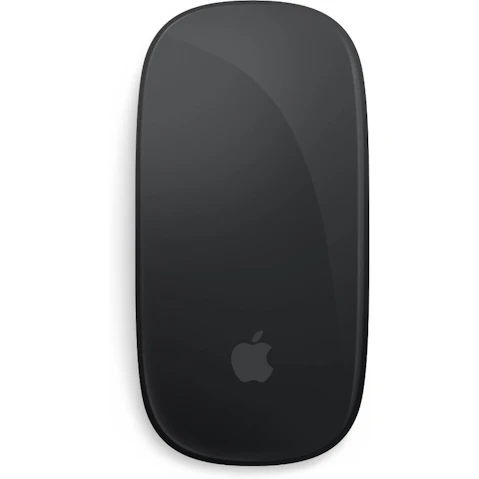


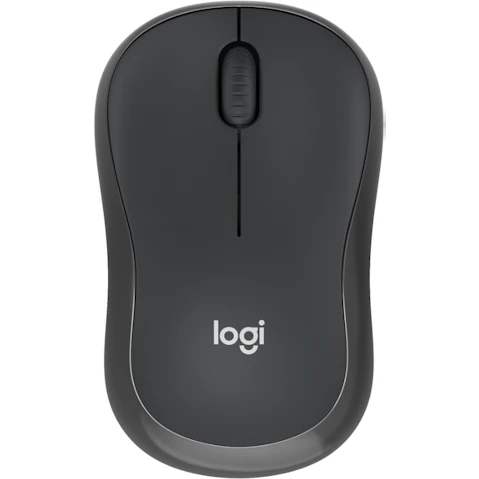


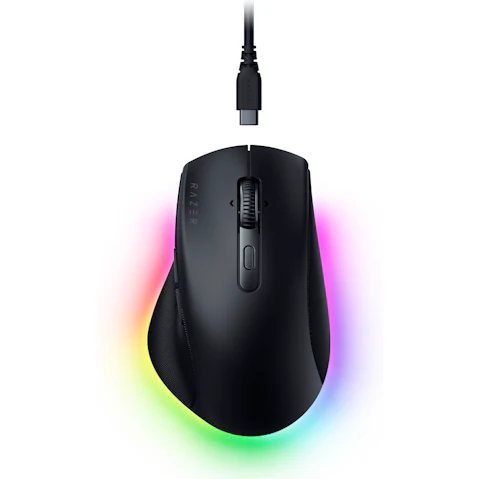


Terms and conditions apply. See individual product pages for details.
Your Computer Mouse FAQs
Stay On Point with a New Computer Mouse
Is it worth buying an external mouse?
Has your old mouse or laptop trackpad lost its touch? An external mouse offers a dedicated scroll wheel, left- and right-click buttons, adjustable sensitivity and programmable shortcuts, so you can work or play without cramping your style (or your hand!)
Scroll no further – Harvey Norman has a computer mouse for every kind of setup! From dependable wired and cable-free wireless options to high-performance gaming mice, explore Logitech, Razer, SteelSeries and more online or in store at Harvey Norman.
Should I use a wired or wireless mouse?
Wired or wireless? There’s no need to get your wires crossed! Your routine holds the answer, whether you’re moving between workspaces or making one desk your command centre.
Make the right connection:
- Wired Mice – Best for home offices, desktop PCs and gaming, where reliable power and a direct connection keep you focused on the task at hand – without charging to think about.
- Wireless Mice – Popular among laptop users, commuters and multi-device households, giving you freedom to move from desk to dining table to couch, with a quick recharge now and then.
Still hovering between the two? Check your ports, desk space and charging habits, then make your mouse move.
Is an ergonomic mouse actually better?
An ergonomic mouse can be a better choice if you spend long hours working, creating or gaming. Sculpted, tilted or vertical designs can encourage a more natural wrist and forearm position, while thumb rests, textured grips and easy-reach buttons put the essentials at your fingertips.
They can take some getting used to, so finding the right computer mouse is key. Need a hand? We can help you choose a size and shape that suits your grip, whether that’s right-handed, left-handed or ambidextrous design.
For another layer of comfort, you can even pair your mouse with a cushioned mouse pad for even more wrist support.
Can any mouse be used with a laptop?
Whether you’re upgrading your laptop or adding a new mouse to the mix, getting connected is usually pretty straightforward. Here’s how each connection type works:
- Wired USB Mouse – Plug straight into a matching USB-A or USB-C port for a reliable connection that never needs charging.
- Wireless USB Receiver Mouse – Connect via a small USB dongle for responsive, cable-free control through a dedicated receiver.
- Bluetooth Mouse – Pair wirelessly through your laptop’s built-in Bluetooth, keeping your USB ports free for the rest of your gear.
Basic controls are plug-and-play, but more specialised features, like programmable buttons, RGB lighting and customisation software can vary between operating systems.
How do I know what mouse is best for me?
A computer mouse is your right-hand helper for work, creativity or gaming, so it should feel like a natural fit for your hand, setup and daily routine. Keep these things in mind before you buy:
- Hand Fit – Match the mouse to your hand size and preferred grip style, whether that’s palm, claw or fingertip.
- Use – Prioritise the features you’ll use most, from everyday browsing to creative projects or fast-paced gaming.
- Connection – Choose between wired or wireless, checking ports, Bluetooth and charging preferences before you cut the cord – or not.
- Setup – Consider desk space, weight and portability, especially if you work between home and the office.
- Extra Features – Look for buttons, cursor controls and customisation options, then add personality with bold colours or RGB lighting.
More desk mates:
© 2026 Harvey Norman Online | Harvey Norman Online is operated by the eComm Store Pty Ltd, an independent franchisee. Harvey Norman Stores are operated by independent franchisees.
Subject to the terms and conditions goods and services described in this website are available from Harvey Norman online only, unless expressly stated otherwise.


