

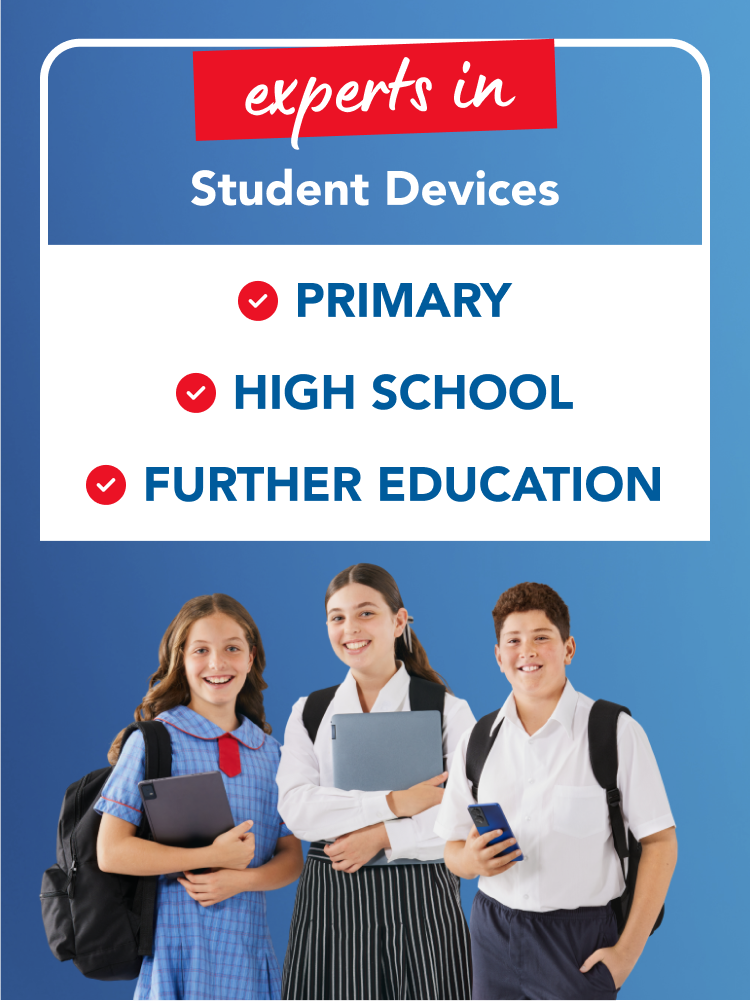
Student Devices
When the study schedule hits, you need a tech teammate that keeps up, and at Harvey Norman, we’ve got BYOD devices for every stage of learning – from primary days to the high-school juggle and tertiary workloads. Think lightweight laptops, flexy 2-in-1s, tablets and Chromebooks with power, all-day battery and trusted brands behind them. Whatever your timetable throws at you, we’ll make sure your device makes the grade!


Your Student Device Experts
Unlock expert tips - from BYOD basics and parental controls to choosing your device!
Explore our FAQs >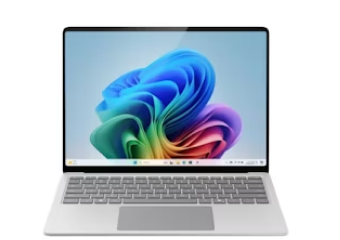


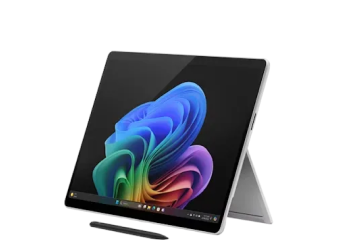
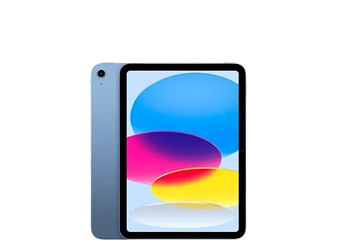
Primary School Devices
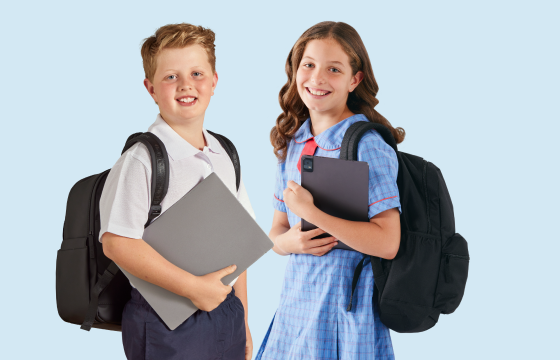
Smart Tech, Bright Minds
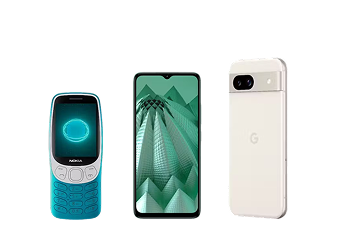
Built for busy school days and big imaginations, these devices bring reliability, portability and classroom-friendly performance. Whether it’s homework, group projects or creative play, they inspire young learners to focus and explore with ease.
High School Devices
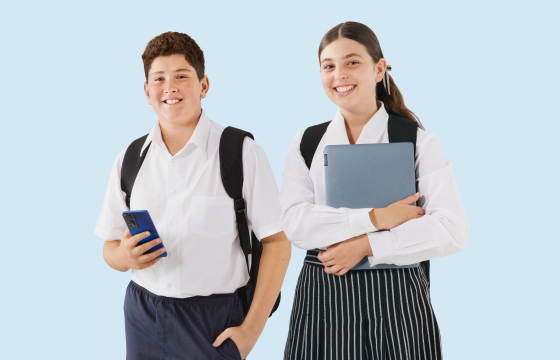
Next-Level Gear
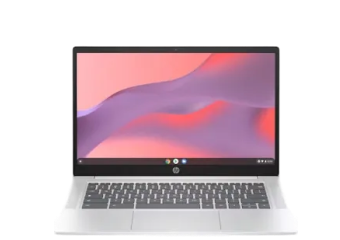
High school moves quickly, and these devices power through every period. With fast processors, all-day battery and classroom-ready features, they’re designed for smooth multitasking, effortless collaboration and confident creativity – from first bell to last.
Further Education Devices

Future-Ready Performance
Tertiary learners need tech that accelerates. With muscle for complex software, ample storage and AI-enhanced capability, these devices deliver prime performance in a portable design – perfect for coursework, heavy applications and campus-to-commute life.
We're here to help!

We monitor pricing on a huge range of products online and in store - every day!

Need help with your new student device?
Your local Harvey Norman techteam offers tech support and peace of mind for the lifetime of your technology.
Don’t forget Student Accessories
Student Devices Expert Tips
Primary School Devices: FAQs
-
What is Bring Your Own Device (BYOD) in schools?
-
Bring Your Own Device (BYOD), sometimes called Bring Your Own Technology (BYOT), is a policy in primary schools where students are responsible for bringing their own digital learning devices to school to support learning.
BYOD requirements may vary, with some schools providing a list of approved devices for parents to choose from and others listing specifications that the student device must meet.
-
Is a tablet or laptop better for primary school students?
-
Choosing between a tablet and a laptop depends on your budget, the school’s BYOD requirements, and how your child will be using the device.
Tablets are lightweight, interactive, and easy to use, perfect for hands-on, play-based learning in early education.
Laptops pack more processing power, making them great for older students who are working on more complex tasks like collaborating on projects and STEM activities.
-
How can I set up parental controls on my child’s device?
-
Parental controls can help keep children safe while they are online and support the development of healthy tech habits. Setting them up is simple, with most devices providing flexibility for parents to schedule screen-free time, filter inappropriate content, limit distracting apps, and more.
-
How do I choose a device for a primary school student?
-
Before you buy, it’s a good idea to check with your school to see if they have any specific BYOD requirements for student devices. To find the right laptop, 2-in-1, or tablet for your child, it can also help to keep these general guidelines in mind:
Battery Life: At least 6-8 hours to power through the school day.
Weight: Under 1.5kgs, so it doesn’t weigh down their school bag.
Connectivity: Dual-band WiFi for fast, reliable internet access.
Screen Size: A 10-inch screen or larger for easy viewing without being too bulky.
-
Should primary school students have phones?
-
The use of mobile phones is restricted in most primary schools across Australia to ensure students stay laser-focused on learning. However, students are allowed to carry a phone on their way to and from school so they can stay in touch with their parents.
Phones or kids’ smart watches with limited features and parental controls are perfect for primary-aged kids, as they keep distractions to a minimum.
High School Devices: FAQs
-
What are the laptop requirements for high school students?
-
When choosing the best laptop for high school, make sure it meets the school's BYOD requirements.
Along with a built-in webcam and microphone for online collaboration – plus a protective case – here are the key specs to consider for digital learning devices:
Weight: 1.5kg or less for portability
Memory: Minimum 8GB RAM; 16GB for creative subjects
Storage: At least 256GB SSD for speed and capacity
Battery Life: Minimum 6-8 hours to last the school day
Screen Size: 13-15 inches is ideal for usability
Wi-Fi: Dual-band compatibility
Operating System: Windows 11, ChromeOS or macOS (avoid outdated systems)
Programs: Microsoft 365
-
Which is the best operating system (OS) for high school students?
-
The best OS depends on the school's BYOD requirements and the student's needs. Many Australian schools accept a range of operating systems, but it’s important to avoid outdated systems that no longer receive updates, as they could pose security risks.
Here’s what you should know:
Windows: Windows 11 is highly recommended as it’s widely supported and offers full functionality for both academic and creative tasks.
macOS: This is great for students who need a reliable and high-performance OS, especially for creative work like video editing or design.
ChromeOS: Good for affordability and simplicity but check if your school supports it.
-
What is the best phone for a high school student?
-
Choosing the best phone for kids and teens means striking a balance between affordability, functionality, and safety.
The right choice depends on the student’s age, needs, and your family’s rules for digital use. Key considerations include:
Durability and affordability
- Choose a model that withstands daily use and won’t blow your budget.
Battery life
- A long-lasting battery means the student can stay connected.
Future-ready functionality
- Look for a phone that supports the latest apps and tools to meet students' needs for learning, communication, and staying on top of trends.
Parental controls and safety
- Apple iPhones: Built-in parental controls let you manage screen time, restrict contacts, and approve app downloads.
- Android phones: Set up The Google Family Link app to manage screen time, apps, and activity.
- Basic phones: These usually have a built-in option within their settings to restrict access to certain multimedia content.
For online safety tips, visit the eSafety website
-
What are the best affordable laptops for students?
-
For the best student laptop that’s easy on the wallet – focus on performance, durability, and usability for tasks like researching, summarising, collaborating and even streaming!
Chromebooks are affordable and simple to use, while Windows laptops offer flexibility with bigger screens and touch features. 2-in-1 devices add versatility for notetaking, sketching, and reading on the go.
Leading brands like Lenovo, HP, and Acer have affordable options under $1,000. With a huge selection available at Harvey Norman, it’s easy to find a back-to-school laptop to fit your budget and study needs.
-
What is the difference between a 2-in 1 and a laptop?
-
Both are fantastic for students, offering their own distinct features. When it comes to 2-in-1s, students will benefit from their:
Versatility: Switch from laptop to tablet mode, ideal for notes, sketching, or reading.
Touchscreen: Great for drawing, marking up or quick navigation.
Compact design: Lightweight and easy to carry between classes.
Laptops are a stellar choice due to their:
Performance: Power and storage for multitasking or running demanding programs.
Durability: Perfect for all-day, every-day use and longer study sessions.
Generous screen: Well suited to detailed work and design tasks.
Further Education Devices: FAQs
-
What specs should a tertiary student look for in a laptop?
-
When choosing a laptop for university, college, or TAFE, make sure it’s geared up to handle everything from coursework to study-break streaming.
Use these specs as a quick guide:
Weight: 1.6kg or less for portability
Memory: Minimum of 8GB RAM, 16GB preferred for intensive tasks
Storage: Minimum 256GB SSD for quick access and ample space
Battery Life: At least 8 hours to cover a full day of classes
Screen: 13-15 inches with Full HD for clear viewing
Camera: Good quality for online learning and collaboration
Operating System: Windows 11 or macOS for compatibility with software
-
Do you need a powerful laptop for university?
-
A powerful laptop is essential for seamless multitasking, rapid file demands, and handling complex software needs. Here's what to look out for:
Power specs: Stick to the latest processors from Snapdragon, Intel, AMD, or Apple for serious power.
Memory and storage: Gear up with a minimum 8GB of RAM and a swift 256GB SSD for smooth access and operations.
Battery life: Go for a beast that lasts for 8 hours plus, to power through without being tethered to an outlet.
-
What accessories should university students buy for their laptops?
-
From getting organised at the start of the semester to boosting productivity during busy assessment periods, the right accessories can make all the difference.
Here are the ultimate study buddies for university, college, and TAFE students everywhere:
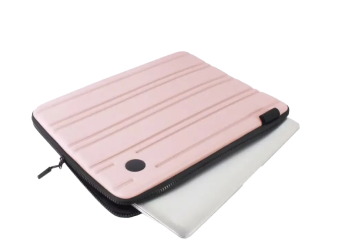
Laptop bags: Protect your tech between classes with a durable padded bag.
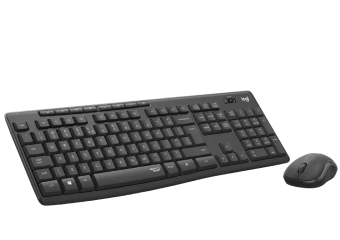
Mice: Ditch the trackpad for a comfortable, ergonomic mouse.
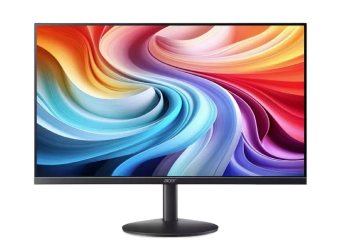
Monitors: Expand your workspace with a larger screen, ideal for multitasking.
Noise-cancelling headphones: Stay focused in noisy spaces or during online lectures.
External storage: Keep assignments safe with secure, portable storage.
Software: Equip your laptop with powerful tools like Microsoft Office 365 and reliable internet security to stay productive and protected.
-
Are 2-in-1 laptops good for uni students?
-
2-in-1 laptops are a fantastic choice for uni, college, or TAFE students looking for a truly versatile device.
They give you the convenience of a tablet for storing digital textbooks or taking notes in lectures – while delivering laptop performance when it’s time to write detailed essays or work on group assignments.
2-in-1s are also compact and super lightweight, making them easy to stash in your bag and carry to and from class.
-
Which tablet has the best stylus for taking notes at uni?
-
Tablets paired with a stylus pen can make notetaking feel as smooth and natural as putting pen to paper.
Highlight key passages in academic papers, jot down thoughts during tutorials, and annotate documents directly, all while keeping your notes neat and easy to access.
From the Apple Pencil for iPad users to the Microsoft Surface Slim Pen, the best stylus for taking notes should feel comfortable, offer precision, and help you get the most out of your tablet.


