
Keyboards
It's time to raise the (space) bar. From wired and wireless options to mechanical, gaming and ergonomic designs, Harvey Norman has computer keyboards for every desk, device and typing style. Shop trusted brands including Logitech, Razer and Steelseries, with full-size and compact layouts for work, study or play.


Looking for a keyboard that’s just your type?
Our experts spell out the features, switches and sizes to help you find your match.
Plug into our FAQs >









Terms and conditions apply. See individual product pages for details.
Your Keyboard FAQs
The Computer Keyboard Your Setup Deserves
What are the different types of keyboards?
Whether you're working, studying, gaming or browsing, there's a computer keyboard to suit every setup at Harvey Norman, from reliable wired USB keyboards to portable Bluetooth designs.
Meet the main types:
- Wired Keyboards – Known for their reliable USB connection and plug-and-play simplicity, they don't need charging – making them perfect for permanent desktop setups.
- Wireless & Bluetooth Keyboards – Connect via Bluetooth, a wireless USB or both for a clutter-free workspace. Select models can switch between multiple devices, making them handy for home offices, study and portable use.
- Mechanical Keyboards – Individual switches beneath each key provide a more personalised typing experience. With a choice of linear, tactile or clicky switches, they’re popular with typists, programmers and gamers.
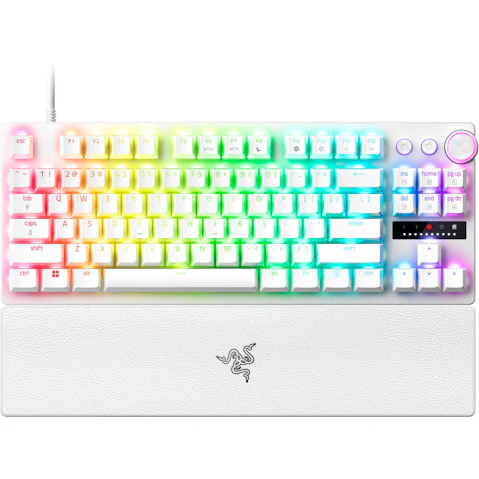
- Gaming Keyboards – Made for fast-paced play, these keyboards often include responsive switches, programmable controls and RGB lighting to help PC gamers play their way.
- Ergonomic Keyboards – Designed to promote a more natural typing position, select models feature split, curved, wave-shaped or Alice-style layouts with built-in palm rests for comfort during long workdays.
- Membrane Keyboards – Flexible membrane layers create a softer, quieter typing feel, making them a practical office keyboard for everyday use, shared spaces and budget-friendly setups.
Our range has options from leading brands across work and play, including Razer keyboards and SteelSeries keyboards for gamers, plus Logitech keyboards for wireless, productivity and everyday setups.
What to look for when buying a computer keyboard?
Don’t let the wrong laptop or PC keyboard push your buttons. Put the right features at your fingertips by checking these essentials:
- Connectivity – Choose between plug-and-play simplicity and cable-free convenience, checking battery life and multi-device support.
- Size and Layout – Consider your workflow, desk space and whether you'll use it with a desktop, laptop or mobile device.
- Key Feel – Mechanical keyboards offer tactile feedback and customisation options, while membrane keyboards tend to provide a softer, quieter feel.
- Compatibility – Check support for your operating system. Some models, including Apple keyboards feature platform-specific layouts and shortcuts.
- Comfort – If you spend long hours typing, look for an ergonomic keyboard with a palm rest or low-profile design that suits your typing position.
- Extra Features – Compare programmable keys, shortcuts, adjustable backlighting and RGB lighting.
Do I need a wired or wireless keyboard?
Don’t get your wires crossed when choosing a new keyboard! Here’s how your setup, devices and charging preferences can help you choose.
Consider a wired keyboard if you:
- Work from a permanent desk setup
- Want a straightforward plug-and-play connection
- Would rather not think about charging or changing batteries
Consider a wireless keyboard if you:
- Want to clear cable clutter from your workspace
- Work or study across multiple locations
- Switch between devices such as a laptop, tablet and smartphone
What's a mechanical keyboard good for?
Mechanical keyboards use individual switches for each key, making them a popular choice for gaming, productivity and everyday typing.
Let’s get down to the mechanics:
- Responsive Performance – Mechanical switches provide precise input, with some offer adjustable actuation or magnetic switches for more personalised control.
- Customisable Feel and Sound – Choose from linear, tactile or clicky switches, depending on whether you prefer smooth keystrokes, noticeable feedback or a satisfying click.
- Durability – Built for heavy daily use, hot-swappable switches allow individual switches to be replaced without replacing the entire keyboard.
- Personalisation Options – Many models support custom keycaps, programmable controls and RGB lighting for a more tailored setup.
What size keyboard should I use?
Computer keyboard size can make a big difference to comfort, productivity and portability. From full-size layouts with every key in easy reach to compact designs that free up desk space, here’s how the main options measure up:
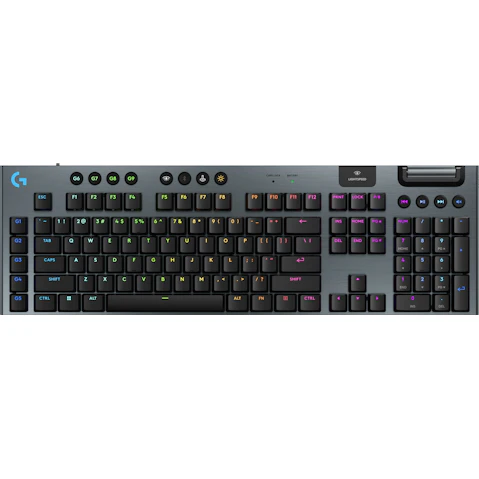
- Full-Size (100%) – Includes function and navigation keys plus a number pad, making it useful for spreadsheets and frequent number entry.
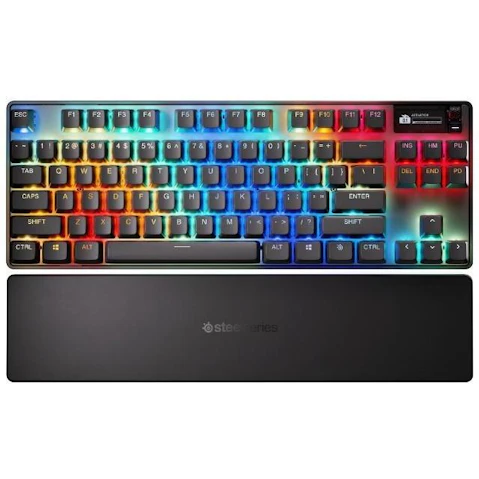
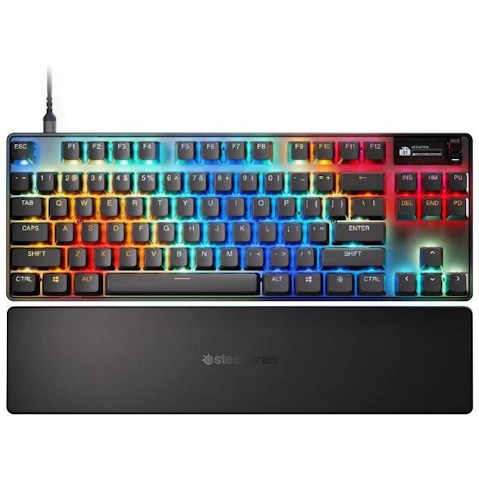
- Tenkeyless (TKL) – Drops the number pad but retains the familiar function row and navigation keys to leave more room for your mouse.
- Compact (75%-65%) – Save desk space with a simplified layout that still keeps some extra function and navigation controls.
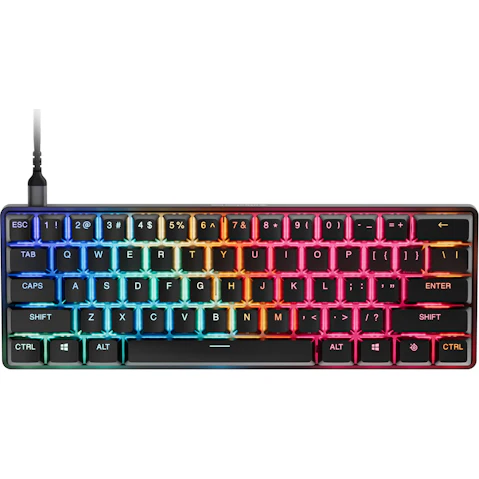
- Mini (60% And Below) – Keeps the essentials and uses key combinations for secondary commands to maximise mouse room and portability.
The key to a great computer setup starts here:
© 2026 Harvey Norman Online | Harvey Norman Online is operated by the eComm Store Pty Ltd, an independent franchisee. Harvey Norman Stores are operated by independent franchisees.
Subject to the terms and conditions goods and services described in this website are available from Harvey Norman online only, unless expressly stated otherwise.


