Mesh Wifi
Suffering from buffering, constant dropouts, and regular router resets? Mesh Wi-Fi wraps your whole home in smooth, seamless coverage, from the front door to the bedrooms upstairs. Perfect for busy households with gamers, streamers, and remote workers under one roof, shop the latest mesh Wi-Fi systems at Harvey Norman.






Terms and conditions apply. See individual product pages for details.
Your Mesh Wi-Fi FAQs

Mesh Wi-Fi: The Solution for Data-Hungry Homes!
What is mesh Wi-Fi?
Think of mesh Wi-Fi as a whole home Wi-Fi system. Unlike traditional wireless networks that connect to a single router, it’s comprised of a series of nodes, which blanket every corner of your home with uninterrupted coverage.
How does mesh Wi-Fi work?
It all starts with a main mesh router that connects to your modem, while a series of nodes or satellites work together to spread the signal far and wide across your home. They create one single, seamless Wi-Fi mesh network, so you can move from room to room without dropping your connection.
Mesh router systems can share the signal between nodes wirelessly or via a wired backhaul, giving you the flexibility to boost performance based on your home’s layout. Just remember, the speed and stability of your mesh network can be influenced by where you place the nodes, your internet plan, and even the materials your home is built from.
Is it worth upgrading to mesh Wi-Fi?
If your home is packed with smart devices or you’re fed up with buffering and signal dropouts, a Wi-Fi mesh system could be the upgrade you didn’t know you needed. Designed for busy, connected households, mesh Wi-Fi keeps your signal strong and stable in every room – even when everyone’s online at once!
Here’s why it’s worth the switch:
- Extended Coverage – Dealing with dead zones? Simply add additional points where you need them to expand coverage throughout your household.
- Seamless Connectivity – Whether you’re in the living room watching TV or working upstairs in your bedroom, mesh Wi-Fi seamlessly switches nodes to keep you connected.
- Self-Healing – When the network is congested or a node goes down, mesh Wi-Fi can cleverly reroute traffic to maintain a strong connection.
- Easy To Use – Most mesh networks automatically configure themselves and allow remote access through a mobile app.
What is the best Wi-Fi mesh system in Australia?
From streaming in 4K and online gaming to managing a smart home, Harvey Norman stocks mesh Wi-Fi systems that are built to handle it all – without compromise. Here are some of our top picks:
Here’s why it’s worth the switch:
- Google Nest – A smart choice for connected homes with tri-band coverage, Wi-Fi 6E speeds, seamless Google Home integration, and easy app setup – all in a sleek design that suits any space.
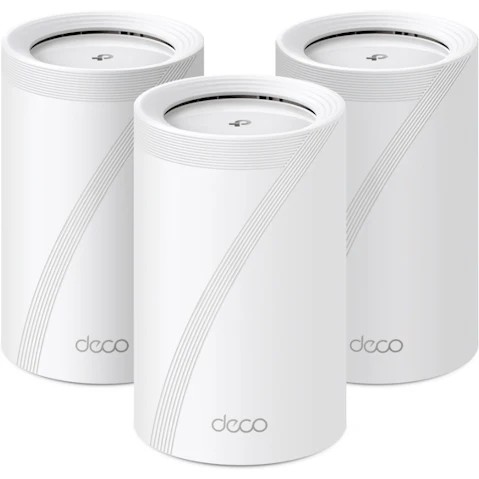
- TP-Link – Great value meets great performance. Deco mesh systems support both Wi-Fi 6 and 7, offer strong security and parental controls, and are a breeze to manage via app.
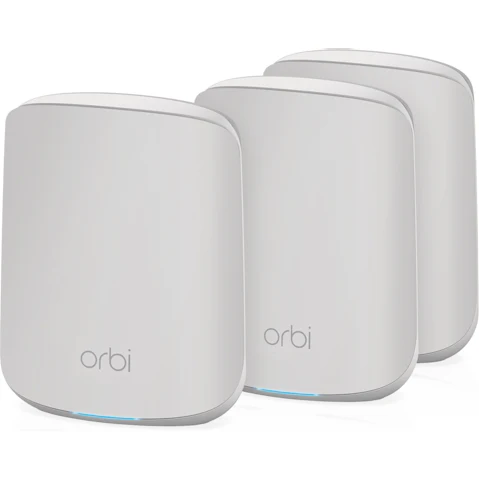
- Netgear – Orbi delivers fast, reliable coverage for large homes, with Wi-Fi 6 and 7, multi-band backhaul, and added protection from Netgear Armour.
- Linksys Velop – Flexible, dependable coverage with Wi-Fi 6, plus a modular design that adapts to your space and parental controls for peace of mind.
- Acer – Powered by Wi-Fi 7, Acer offers wide coverage, robust encryption, and a smooth setup that suits busy, high-bandwidth homes.
How to set up mesh Wi-Fi
Setting up a mesh Wi-Fi system is easier than you’d think! With easy-to-use apps guiding the way, you’ll be up and running in no time – no tech skills necessary.
Here’s how to get started:
- Download the dedicated app and follow the setup instructions
- Place your main router node in a central location and connect it to your modem with the provided cable
- Position additional satellite nodes around your home to help maximise coverage
- Sync the nodes and do a quick network test to make sure everything’s working
- Configure features like security settings, parental controls, and guest access
- Enjoy seamless, reliable Wi-Fi throughout your whole home
Browse more bandwidth boosters: