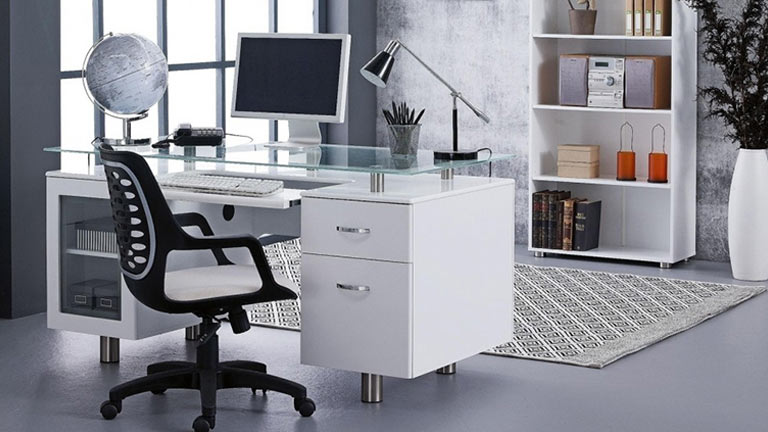
Office Chairs
Looking for an office chair that has your back? From high-back executive seating to study-ready styles, enjoy all-day support with ergonomic designs, adjustable features, and quality materials. Explore computer and desk chairs from top brands like Alfordson, DESKY, Artiss, Sihoo, and Oikiture at Harvey Norman.

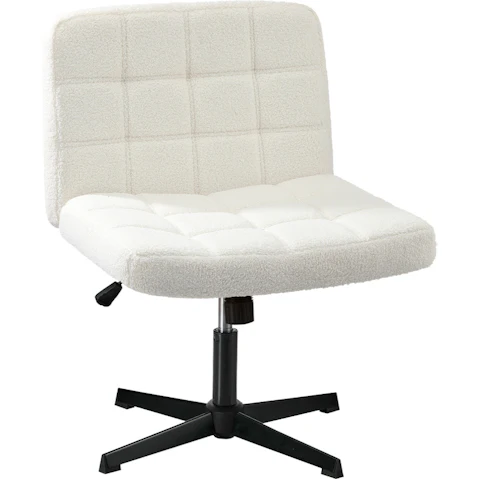


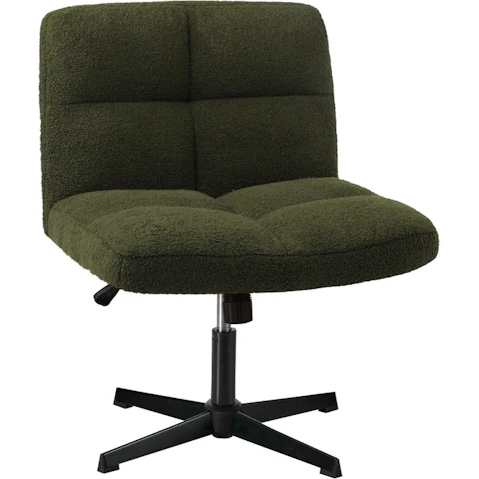

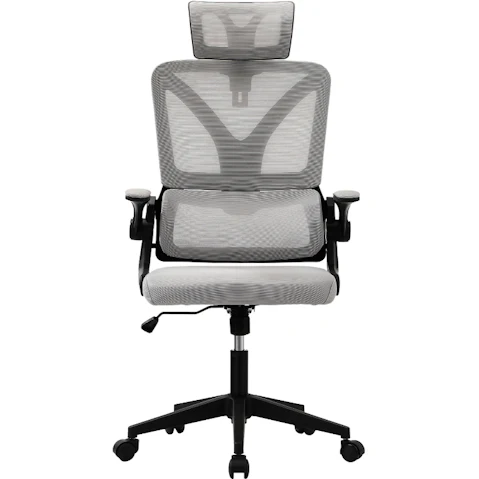




Terms and conditions apply. See individual product pages for details.
Office Chairs: Your Front Row Seat to Productivity!
Is it worth investing in an ergonomic office chair?
Whether you're working from your home office or in a fast-paced environment, an ergonomic office chair is a smart investment in your everyday comfort and wellbeing!
Designed to support the way you work, these chairs feature adjustable backrests, lumbar cushioning, and armrests that take the pressure off your back, neck, and shoulders – so you can sit tall, stay comfortable, and avoid those end-of-day aches and pains.
What’s the best office chair for sitting all day?
When you’re spending a full day at your desk, the right computer chair isn’t a want – it’s a need! From study chairs and ergonomic designs to drafting stools, kneeling styles, and even built-in footrests, Harvey Norman has something to suit every body and every workspace.
Here’s what to look for to get the best seat in the house:
- Adjustable Lumbar Support – Helps protect the natural curve of your lower back, reducing strain and encouraging better posture.
- Cushioned Seats – High-density foam offers soft, pressure-relieving comfort to keep hips and thighs supported all day.
- Tilt Control – Lets you lean back, recline, and shift positions to reduce stiffness and promote movement.
- Breathable Materials – Mesh and ventilated fabrics improve airflow to keep you cool and sweat-free, even on hot days.
Are office chairs better with or without arms?
Sitting on the fence about whether to choose an office chair with or without armrests? It really comes down to what feels right for your body and workspace.
Lean into armrests if you’re after:
- Better Upper Body Support – Armrests help take the strain off your shoulders, arms, and hands by keeping them in a more relaxed position.
- Improved Posture & Comfort – They support your spine, helping you sit upright more comfortably without slouching.
- Support Getting In & Out Of Your Chair – Perfect for anyone with joint pain or limited mobility.
- Customisable Comfort – Adjustable armrests let you tailor your setup to suit your body and desk height.
Skip the arms if you prefer:
- More Freedom To Move – Armless office chairs are easier to shift, swivel, and slide under your desk.
- A Setup That Suits Small Spaces – Perfect for compact workstations or shared office areas.
- No Obstructions – If armrests tend to cramp your style (or your arms), going without can feel more comfortable.
What should I look for when buying an office chair?
Whether you’re clocking up long hours at your desk, studying for exams, or settling in for a late-night gaming session, sitting in an uncomfortable office chair can get old fast.
So, how do you find one that actually works for you? Sit back and relax – we’ve done the hard yards for you. This is what you should consider:
- Adjustability – Opt for a chair that lets you tweak the seat height, tilt, armrests, and backrest just the way you like it.
- Size – One size doesn’t fit all. Make sure it fits in your space and feels good for your body, especially if you prefer a wide seat or like to sit cross-legged.
- Support – Check the seat padding, weight capacity, and back support – because comfort is king when you’re sitting for hours.
- Material – From breathable mesh to leather, fabric, and velvet, think about how your chair will feel day-to-day and how it will wear over time.
- Mobility – Choose from castor wheels, a swivel base, or a chair without wheels – whatever suits your space.
What is the best position to sit while working?
Suffering from stiff shoulders or an aching back? A few small adjustments can make a world of difference in how your body feels. Here’s how to set up your computer chair so you’ll be sitting pretty, day in and day out:
- Keep your feet flat on the floor with knees at 90 degrees
- Sit all the way back in your chair so your lower back is supported
- Ensure your elbows are bent at 90 degrees and your shoulders are relaxed
- Position your monitor at eye level, about an arm’s length away
- Keep your keyboard and mouse within reach to avoid wrist strain
Great posture starts from the bottom up, but it’s worth giving the rest of your setup some love too – think laptop stands, monitor arms, footrests, and chair mats.
Check out more productivity powerhouses, including gaming chairs, office desks, standing desks, and gaming desks.
Here to Help