
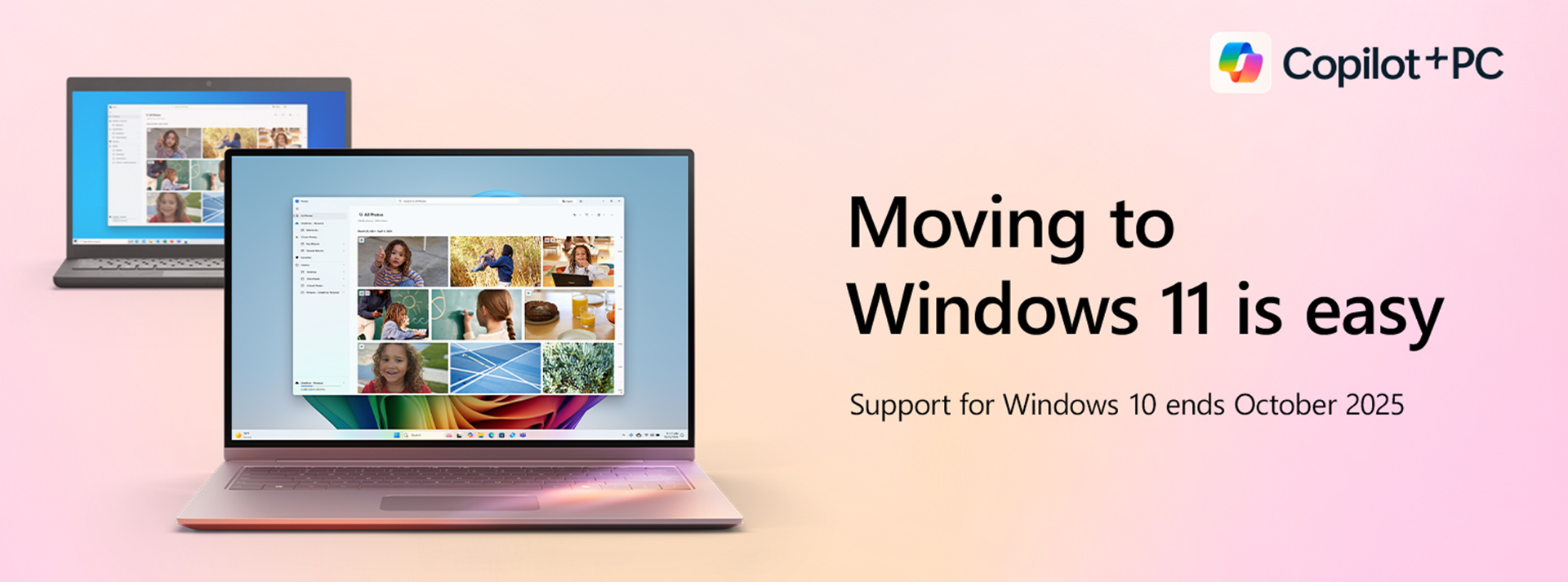
UPGRADING TO WINDOWS 11
FAQs and Everything You Need to Know
Windows 10 will reach end of life (EOL) on October 14, 2025. Microsoft recommends upgrading to Windows 11, but with new features and stricter hardware requirements, many users are wondering what their options are.
Whether you use your PC for the basics, study, or to run a business, it’s important to understand what this change means for your device – and what steps to take before the deadline later this year. From compatibility concerns to performance comparisons, we’re answering your most common questions below.
 1 Copilot+ PC experiences vary by device and region and may require updates continuing to roll out through 2025; timing varies. See aka.ms/copilotpluspcs
 Windows 10 EOL: What It Means for You
Support for Windows 10 is coming to an end on October 14, 2025. After this date, Microsoft will stop providing the following services for Windows 10:
-
Software updates
-
Technical support
-
Security updates or fixes
Staying on an unsupported operating system could leave your desktop computer or laptop open to cyberattacks, software compatibility issues, slower performance, and network security risks.
That’s why now’s a good time to start planning your next step! Depending on your current setup, that could mean a free software update, staying on Windows 10 temporarily, or upgrading to a new device from our Windows 11-ready PC range.
Windows 11 vs Windows 10: Key Differences
From an intuitive interface to layers of built-in security and AI-powered features that make everyday tasks feel effortless, Windows 11 takes everything you know from Windows 10 and makes it even better.
Check out the latest Windows 11 innovations:
-
Updated Look – A cleaner, more modern interface with a centred taskbar and redesigned Start Menu that's easier to navigate.
-
Productivity Tools – Snap Layouts, Virtual Desktops, and built-in Teams make multitasking and communication easier than ever.
-
Gaming Improvements – Faster load times with DirectStorage, enhanced visuals and built-in access to the Xbox app.
-
Integrated AI – Copilot brings AI features to Windows 11, including Recall, which runs locally to deliver personalised support based on your device use.
-
Advanced Security– Built-in features like TPM (Trusted Platform Module) 2.0, Secure Boot, and automatic updates safeguard your device.
-
Performance Upgrades– Faster startups, smoother multitasking, and better battery life.

Fast Facts
Windows 11 Compatibility Checklist: Is Your PC Ready?
The latest version of Windows brings exciting new features, enhanced performance, and top-tier security upgrades – but it also comes with stricter hardware requirements.
Use our checklist to see if your PC makes the cut:
-
Operating System: Windows 10, version 2004 or newer
-
Processor: Dual-core, and a speed of 1GHz or faster
-
Memory (RAM): At least 4GB
-
Storage: At least 64GB of free space
-
System Firmware: UEFI (Unified Extensible Firmware Interface) with Secure Boot to ensure your system starts safely and blocks unauthorised software
-
Security Chip: TPM version 2.0
-
Graphics Card: Supports DirectX 12+ (for better graphics and performance) with updated drivers
-
Screen: High definition (720p), and sized at least 9 inches diagonally
-
Internet: Required for setup, updates, and Microsoft account access
Windows 10 EOL: Your Top 12 Questions Answered
-
When is Windows 10 support ending?
Windows 10 support officially ends on October 14, 2025. After this date, Microsoft will no longer provide updates or support.
-
What does end of support for Windows 10 mean?
Your PC will stop receiving security patches and software updates, making it more vulnerable to viruses, malware, and performance issues over time.
-
What will happen to my computer when support ends?
Your device will keep working, but it won’t be protected from security threats or benefit from future software updates.
-
Can I upgrade to Windows 11 for free?
Yes. If your PC has a valid Windows 10 license and meets the hardware requirements, you can upgrade for free.
-
Do I have to buy a new computer to upgrade to Windows 11?
Not necessarily. You can upgrade your current device if it’s compatible, but older devices may not meet the hardware requirements. Use our handy checklist to find out and get ready to upgrade with confidence!
-
What if my current PC doesn’t meet the minimum hardware specifications?
You can keep using Windows 10 for now, but it’s recommended to upgrade to a Windows 11-ready model before support ends.
-
How do I upgrade to Windows 11?
Back up your files, check compatibility, then upgrade using Windows Update or Microsoft’s Installation Assistant.
-
Can I downgrade to Windows 10 after upgrading to Windows 11?
Yes. You can roll back within 10 days of upgrading as long as you haven’t deleted the old Windows files.
-
Is Windows 11 more secure than Windows 10?
Yes. It includes advanced security features like TPM 2.0, Secure Boot, and virtualisation-based security – which help protect against modern online threats
-
Is Windows 11 better for gaming?
Yes. It supports Auto HDR (High Dynamic Range) for brighter and more vibrant visuals, and DirectStorage, which improves load times and graphics quality.
-
Does Windows 11 use more RAM than Windows 10?
Yes. It requires a minimum of 4GB of RAM compared to Windows 10’s 2GB, so devices with limited memory may run slower or need to be upgraded.
-
How long will Windows 11 be supported?
Each version of Windows typically gets 10 years of support – 5 years of mainstream support and 5 years of extended security updates.


