
Tablets
Big on features, small enough to take anywhere – tablets bring work and play to your fingertips. Whether you're powering through the workday, sketching a masterpiece, or winding down with a show, these portable powerhouses can do it all – and then some! Shop new releases like iPad Pro M5, Galaxy Tab A11+, HONOR Pad, and more at Harvey Norman.










Terms and conditions apply. See individual product pages for details.
Your Tablet FAQs

Work & Play All Day, Anywhere with a Tablet!
Can a tablet replace a laptop?
Tired of lugging around a laptop that’s heavier than your workload? For study and some professions, tablets are more than up to the task – packing power and portability into one small but mighty package.
How they excel:
- Powerful performance with enough grunt for spreadsheets, presentations, and more
- Stylus support for notetaking, sketching, and jotting down ideas
- Detachable keyboard for flexible typing wherever you are
- High-definition display for meetings and movie marathons alike
- Battery life that powers through from 9 to knock-off
What is the best tablet to buy in Australia?
From busy professionals to digital doodlers, on-the-go gamers, and even little tykes, Harvey Norman’s wide range of tablets has something for everyone!
All the best brands are right at your fingertips:
- Apple iPad – Known for its sleek style, serious speed, and creative chops – from the powerhouse iPad Pro to the light-as-a-feather iPad Air and perfectly pocketable iPad mini.
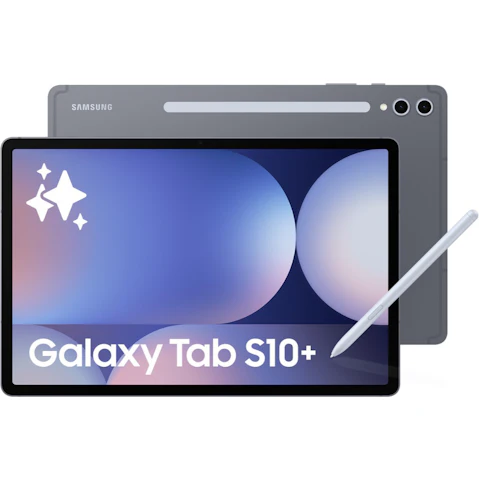
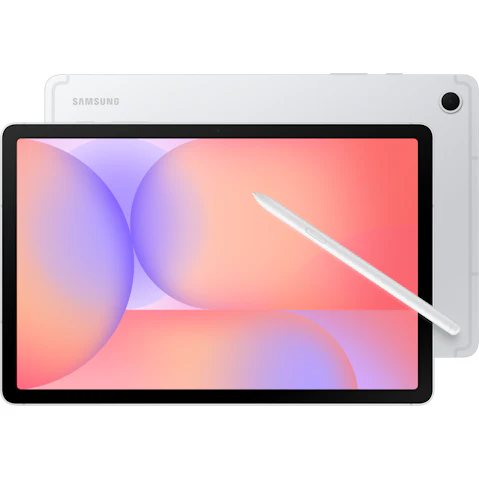
- Samsung Galaxy Tab – Blends bold visuals with all-round smarts across every price point, whether you’re after the flagship Galaxy Tab S11 or the value-packed Tab A11+.
- Microsoft Surface – A top pick for hybrid workers and students alike, the Surface Pro lineup combines Windows 11 power with tablet portability for the freedom to work or learn from anywhere.
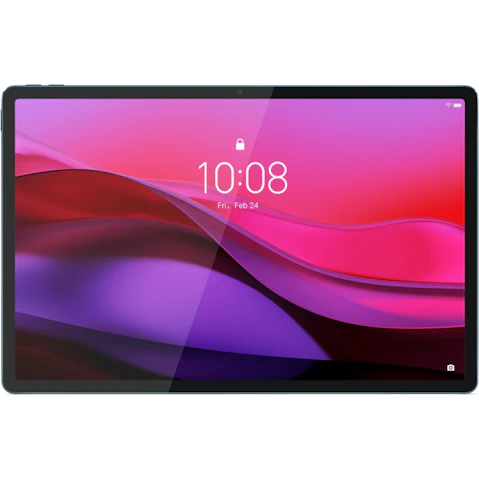
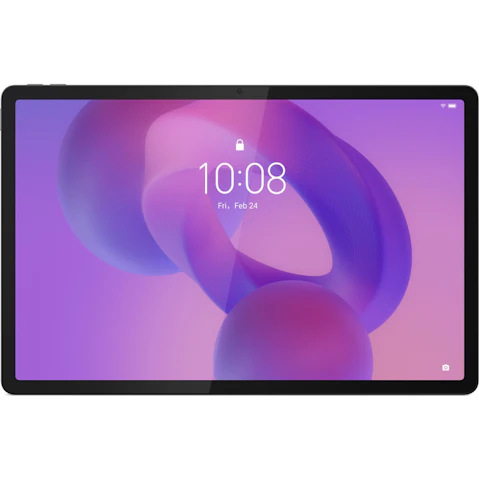
- Lenovo – Great for casual streaming, study, and gaming, Lenovo tablets offer solid, reliable performance with long battery life and excellent value.
Shopping for your kiddo’s first screen or a bookworm who’s always got a novel in hand? Check out our range of kids tablets, eReaders, e-ink writing tablets, and more!
What is the difference between a Windows tablet and an Android tablet?
Same sleek screens, very different experiences! Let’s compare Windows and Android tablets – and throw in Apple for good measure:
- Windows Tablets – Like a laptop in tablet form, they run the same Microsoft Windows software as most PCs. That means you can install full desktop apps like Microsoft Office, Adobe, and more – perfect for productivity, creative work, and multitasking on the move.
- Android Tablets – Run Google’s Android OS, just like Android phones. They offer a mobile-first experience with access to apps from the Google Play Store, making them great for streaming, gaming, and everyday browsing.
- Apple Tablets – Blending power and simplicity, these tablets run iPadOS – Apple’s own tablet operating system. With a clean, intuitive interface and access to the Apple App Store, iPads excel when it comes to productivity, creativity, and gaming.
Which tablet is best for students?
From pencil cases to power cords, school life looks a little different these days! Whether they’re solving sums or sketching masterpieces, tablets have become a classroom essential, and you can find top-of-the-class picks for every student at Harvey Norman:
- Primary School – For little learners, look for lightweight designs, large screens for tiny hands, and battery life that lasts ‘til the last bell.
- High School – Juggling back-to-back classes? A versatile 2-in-1 tablet computer with a responsive touch screen and all-day battery gets an A+ for typing, tapping, and late-night cramming.
- University – For lectures, research, and group assignments, a tablet with stylus support and serious multitasking power – like iPad Air or Surface Pro – is a smart study sidekick.
No matter the subject or study style, you’ll find the best tablets for students online or in-store at Harvey Norman.
How do I choose the best tablet?
In a sea of specs, choosing the right tablet starts with one simple question: what do you actually need it to do? From portability to power, here’s what to weigh up before you buy:
- Purpose – Think about your day-to-day needs – whether it’s an all-rounder, digital notepad, or a tablet tailored for creativity, gaming, or reading.
- Size – Prefer a compact 8-inch tablet that slips easily into your bag, or a larger 10-inch screen for spreadsheets and streaming?
- Storage – From 8GB to 256GB, make sure you’ve got the space for all your go-to apps, games, files, and playlists.
- Battery Life – If you’re on the go all day, choose a tablet with enough juice to keep pace from morning to night.
- Connectivity – Want Wi-Fi only or always-on data? Cellular models with SIM support keep you connected wherever work or play takes you.
- Operating System – Already team Apple, Android, or Windows? Stick with an OS that syncs seamlessly with your other devices.
Accessories to unlock your tablet’s full potential:
© 2026 Harvey Norman Online | Harvey Norman Online is operated by the eComm Store Pty Ltd, an independent franchisee. Harvey Norman Stores are operated by independent franchisees.
Subject to the terms and conditions goods and services described in this website are available from Harvey Norman online only, unless expressly stated otherwise.


