Laptops
Laptops
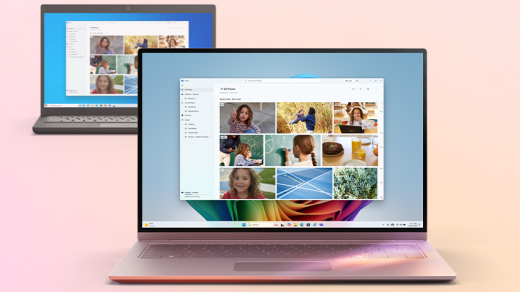
Unleash your potential with a new laptop! Whether it’s for work, study, or play, you’ll find the right laptop for your needs here. From versatile 2 in 1s and high-powered gaming laptops to reliable student laptops for school and university, shop the latest models from leading brands at Harvey Norman.








Exclusive to Harvey Norman
Introducing the all-new limited edition HP OmniBook Ultra in a premium Deep Espresso and Bronze edge finish. Powered by the latest Intel® Core™ Ultra 7 Series 3 processor, it delivers uncompromised performance in a stylish, ultra-light design.
Read our guide >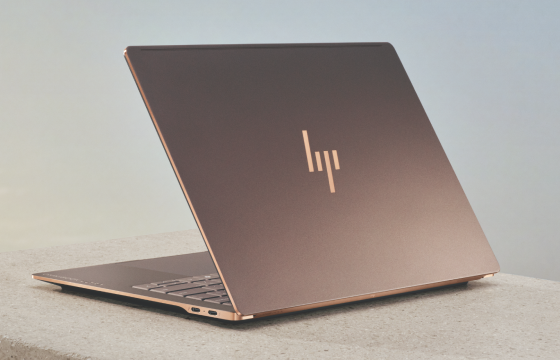
Deep Espresso & Bronze Edge Finish
Take high performance anywhere with an incredible ultra-thin, ultra-light design crafted from forged aluminium. Crafted in a premium colour and finish, it adds style and performance to your setup.

Incredible Light-Weight Design
Unlock your potential with advanced AI tools including adaptive intelligence to enhance your user experience in real time and a 5MP AI-powered camera for clearer video streaming.
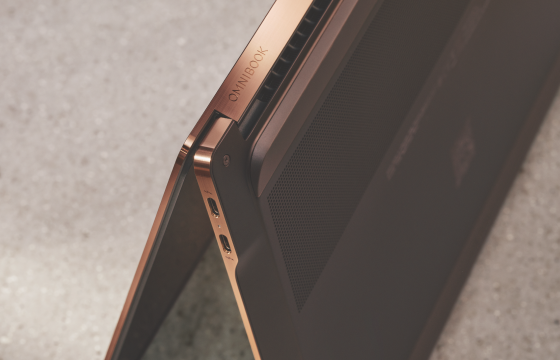
Precision Crafted & Engineered
Enter a new era of sustainable computing with next-generation technology designed using recycled aluminium and 40% post-consumer recycled plastics*.
*Percentage of post-consumer recycled plastic varies by product. Recycled plastic content percentage is based on the definition set in the IEEE 1680.1-2018 standard.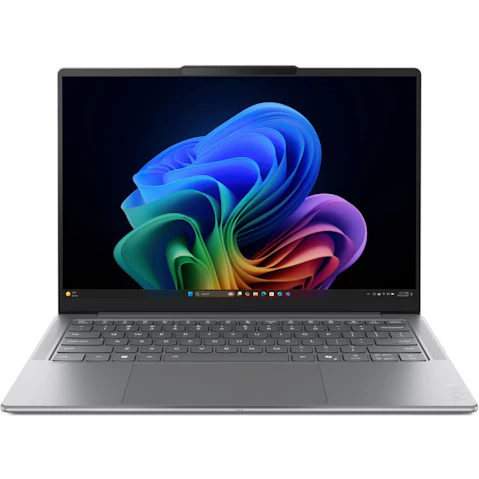


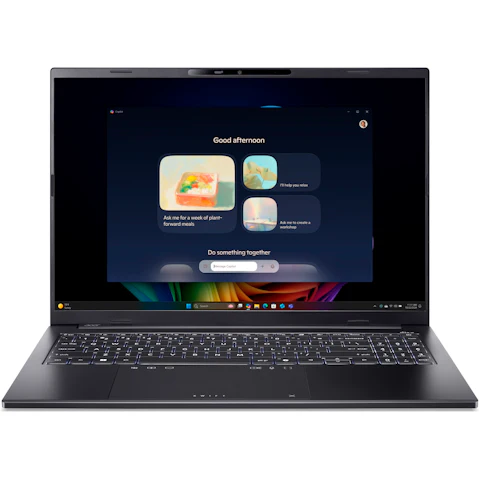


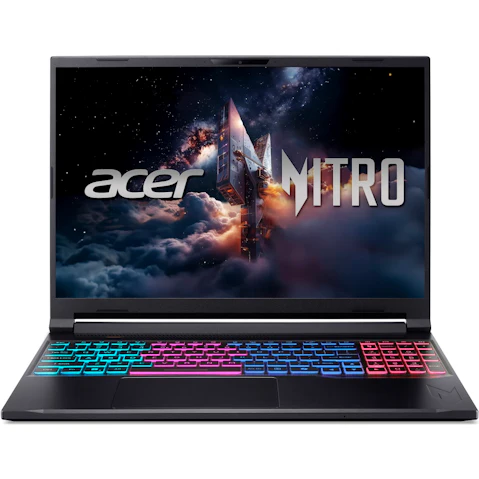
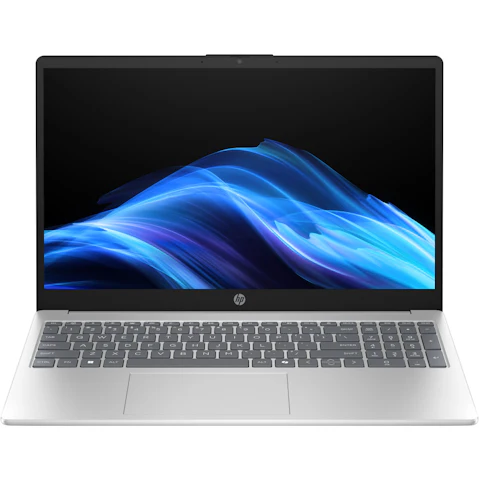
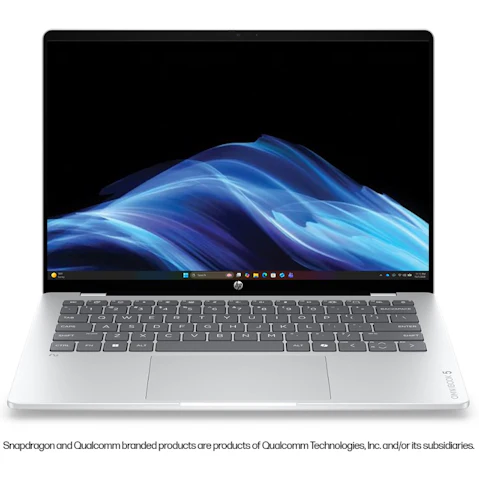


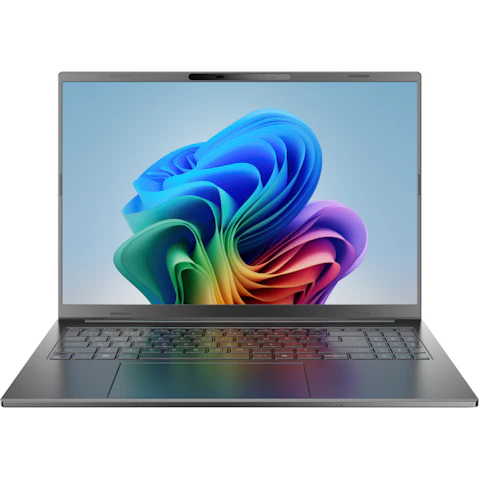
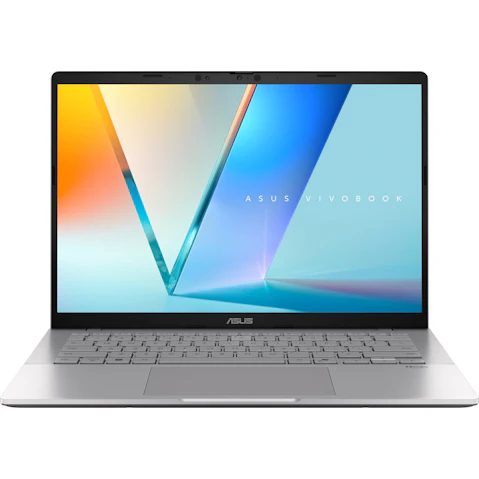

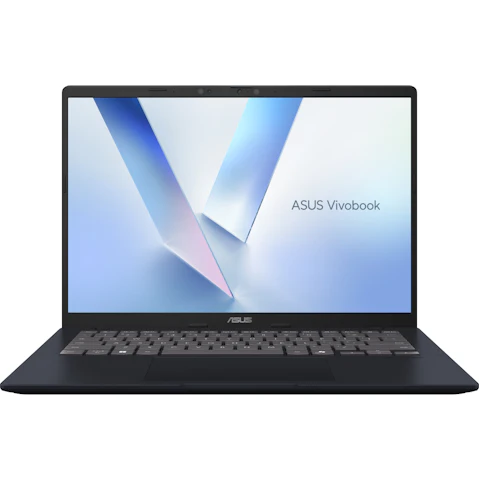
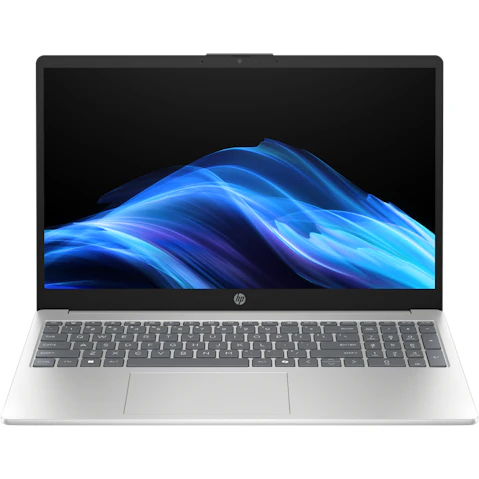
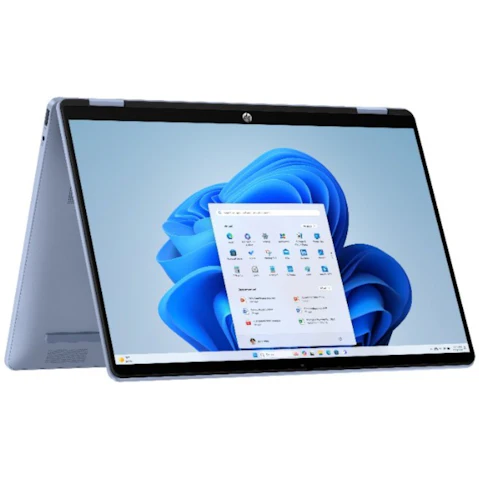


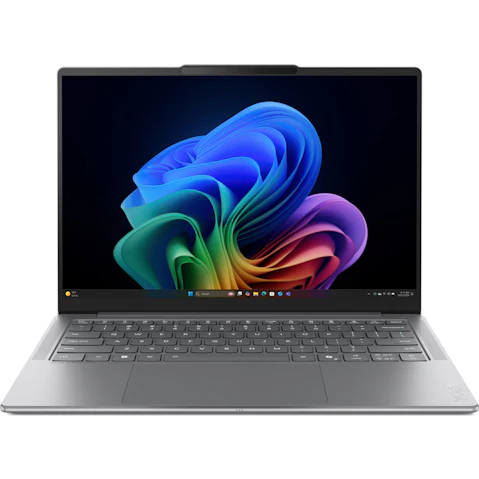
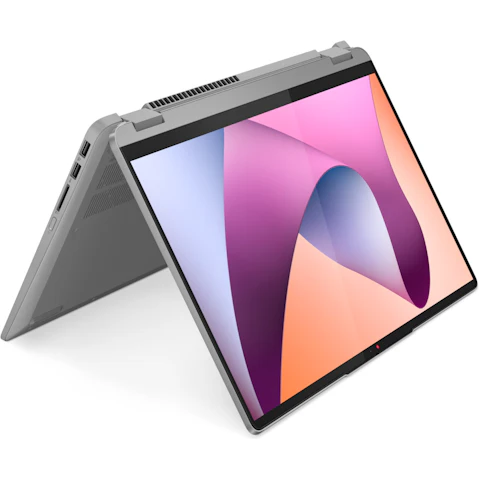

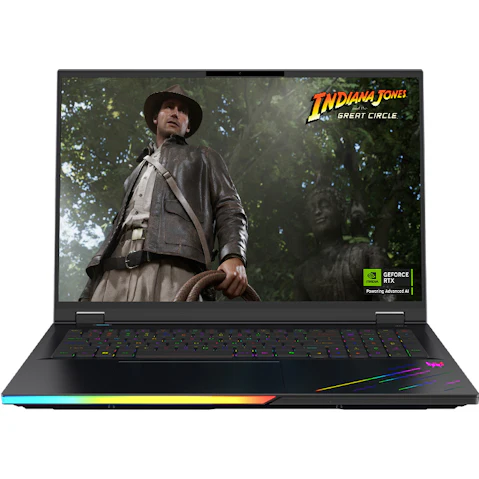


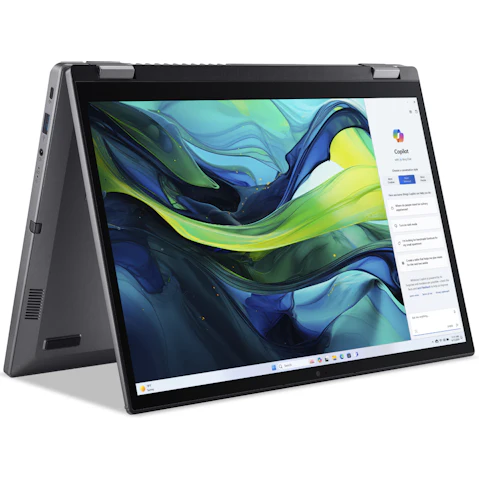
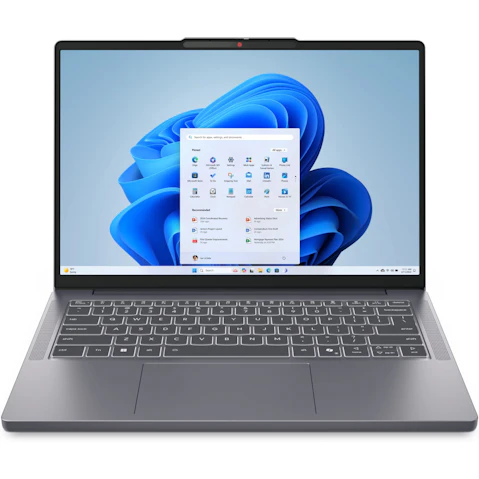
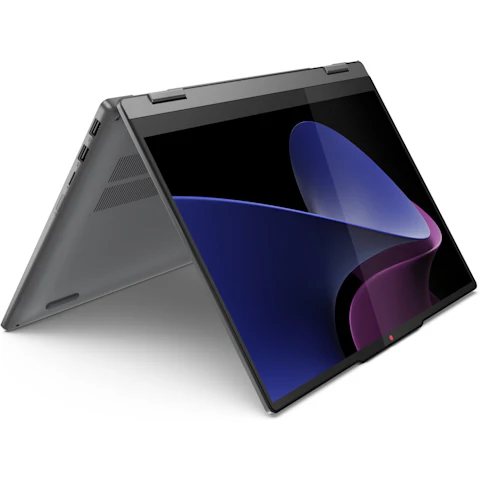


Terms and conditions apply. See individual product pages for details.
Your Laptop FAQs

What are the best laptop brands?
Offering many of the leading brands in Australia, it's easier than ever to find a laptop model that fits your needs at Harvey Norman. From MacOS and Chrome to Windows laptops, shop the latest models from top brands, including:
What type of laptop should I buy?
Whether you're taking care of business, hitting the books, or doing some action-packed gaming, the best laptop is one that meets your specific needs. At Harvey Norman, there are a few types of laptops to choose from:
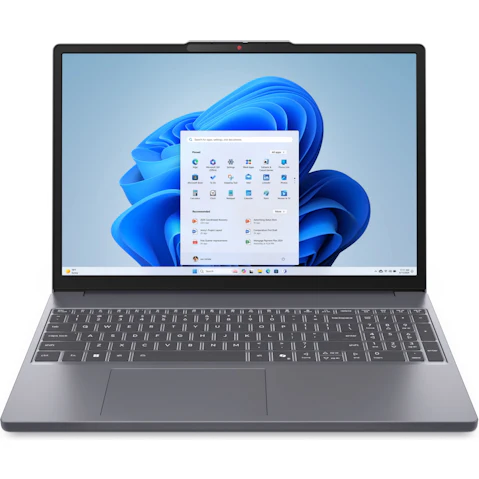
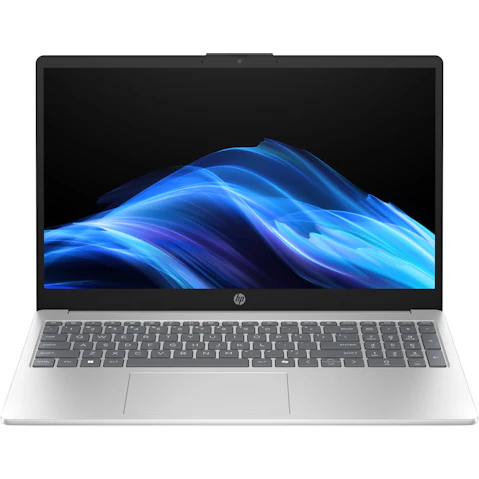
- Traditional Laptops – Featuring a classic "clamshell" design with a non-touchscreen display, these laptops are great for everything from work to browsing the web and streaming content.
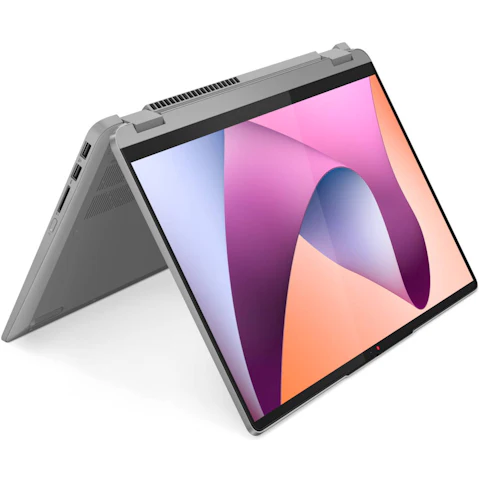
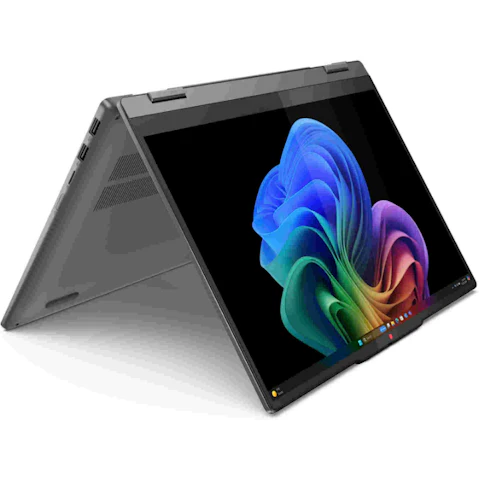
- 2 in 1 Laptops – Can’t decide between a laptop or tablet? Get a 2 in 1! They’re a hybrid device that functions as both a traditional laptop and a tablet, offering flexibility like no other.
- Gaming Laptops – Designed specifically for gaming, they feature things like high-performance processors, dedicated graphics cards, and fast refresh rates to bring your favourite games to life.
What features should I look for in a laptop?
Laptops come in all shapes, sizes, and price points, so it’s not surprising that choosing one can be overwhelming! When starting your search for a new laptop, consider these key things before you buy:
- Size – Determine the display size that suits you, whether it's a compact 13-inch laptop that will travel with you on your commute or a larger 15-inch that stays on your desk at home.
- Operating System – Think of this as the heart of your laptop. Figure out whether Windows 11, macOS, or Chrome OS will work best for you.
- Specs – Pay close attention to the processor, RAM, internal storage, and graphics chip to ensure the laptop will have the processing power you need.
- Battery Life – This will vary depending on factors like processing power, screen size, and graphics. If you want longer battery life, consider a laptop with a solid-state drive over a traditional hard drive.
- Laptop Accessories – Every laptop needs accessories! Our range includes laptop bags, keyboards, mice, laptop stands, and external monitors for dual-screen setup.
What is the best laptop for students?
From high school through to university, you’ll find a student laptop that meets your needs at Harvey Norman. Choose the best laptop for studying by considering the following:
- Size – Opt for a laptop that is light and portable for easy transportation to and from classes.
- Performance – From the processor to RAM, choose a laptop with the power to multitask and get things done.
- Storage – Ensure there's plenty of space for all-important study notes and assignments without the need for external storage devices.
- Battery Life – Choose a laptop with an efficient and long-lasting battery so you can breeze through long days in class or at the library.