
Lenovo Next Gen Ai Laptops
Looking for a computer that thinks a few steps ahead? AI laptops bring smarter, faster and more intuitive ways to work, whether you’re transcribing meetings or summarising lecture notes. From dedicated neural processing units to battery that’s optimised to go the distance, browse our range of next-gen AI laptops built for study, work and big ideas.


Still trying to process what an AI laptop is?
Find expert insights on AI features, specs and brands – no prompting required!
Get smart with our FAQs >
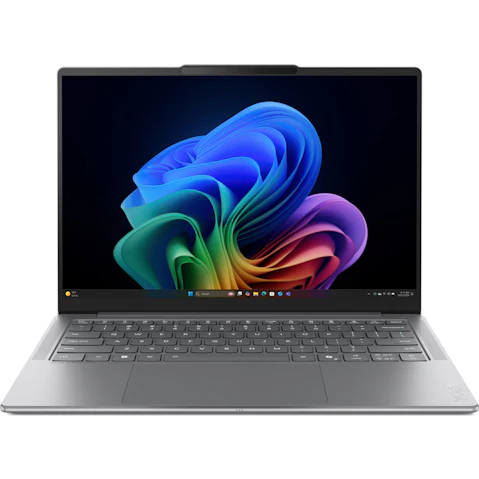
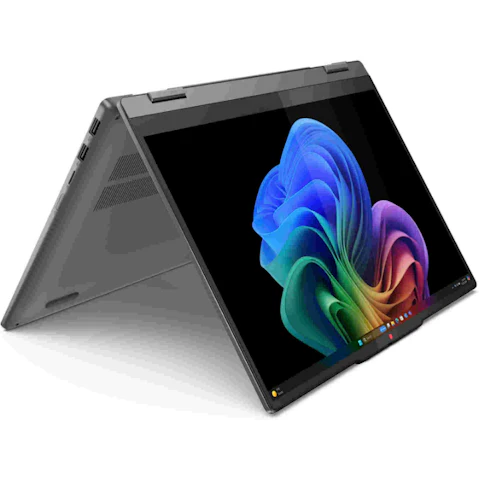


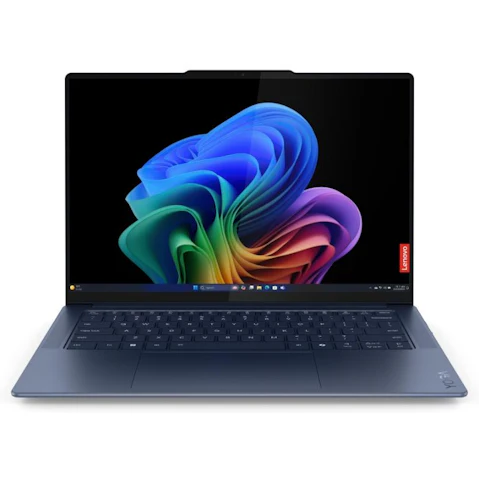


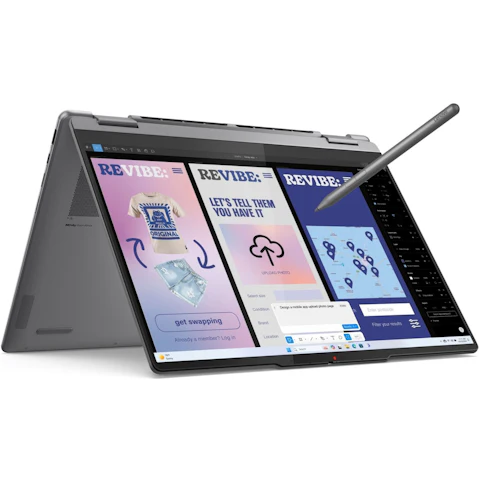
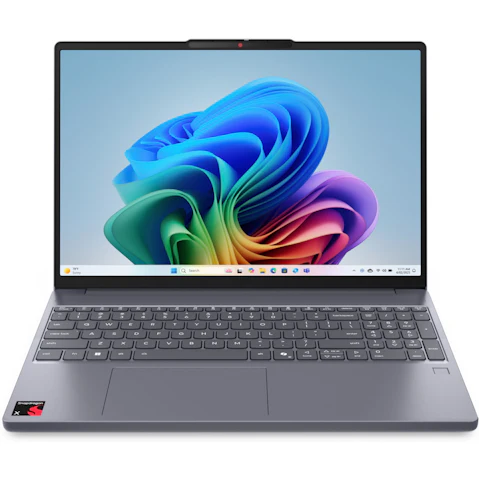
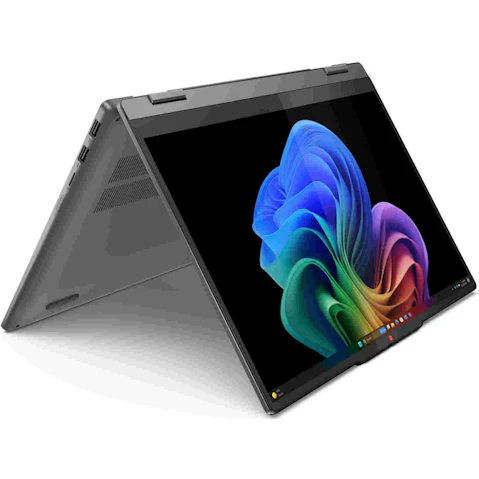


Terms and conditions apply. See individual product pages for details.
Your AI Laptop FAQs
Power Up With AI Laptops & Computers
What is an AI-ready laptop?
AI tools are only as good as the hardware running them. An AI-ready laptop comes with a dedicated neural processing unit (NPU) for artificial intelligence and machine learning tasks, so performance never takes a hit – no matter how demanding your workload gets.
Ready to upgrade your hardware? Harvey Norman has the latest next-gen AI laptops from leading brands like Lenovo and ASUS, so comparing performance, screen size and price has never been easier.
How do AI computers work?
Your laptop shouldn't break a sweat every time you open a chatbot. Regular laptops rely on the CPU or GPU to handle AI workloads, but these chips were built for emails and spreadsheets, not machine learning.
AI computers are smarter than that, putting these three key components to work:
- CPU (Central Processing Unit) – Keeps day-to-day apps, web browsing and system tasks running smoothly.
- GPU (Graphics Processing Unit) – Renders graphics for video, gaming and creative workloads.
- NPU (Neural Processing Unit) – Handles machine learning tasks, from image enhancements to real-time translations.
With each component doing its job, compatible apps can recognise patterns, process information locally and automate the kinds of tasks that used to slow you down. Think clearer video calls, smarter photo tools, faster search and more personalised settings.
Is an AI laptop worth the upgrade?
You bet, especially if your current laptop is struggling to keep pace with the new ways we work, study and create. AI laptops and PCs can help with:
- Faster multitasking across work, study and creative apps
- Smarter video calls with background effects and audio clean-up
- AI-assisted workflows for writing, research, editing and organisation
- Better battery efficiency when compatible AI tasks run on the NPU
Students can put AI tools to work summarising research and tidying up notes. Professionals breeze through meetings, documents and creative briefs. Creators get smoother previews, sharper editing tools and fewer workflow headaches.
If you like flexible setups that pull double duty, a 2-in-1 model adds tablet-style convenience for sketching, note-taking or presenting. For Windows users, Copilot+ PCs are designed around AI, with fast processors, capable NPUs and productivity features made for life on the move.
What laptop specs do I need for AI?
Buying a laptop for AI that can't handle the software you rely on is an expensive lesson. Let's get into the spec-ifics:
- Processor – Look for chips like Intel Core Ultra, Qualcomm Snapdragon X Series or AMD Ryzen AI, which are purpose-built for AI workloads.
- NPU – The chip that makes on-device AI possible. The more capable it is, the faster and smoother everything runs.
- GPU – Takes care of the rendering and visual processing – for gamers and creatives, that can be the difference between smooth and sluggish.
- Memory – 16GB RAM is a solid starting point for everyday multitasking, or you can step up to 32GB for heavier creative or technical workloads.
- Storage – 512GB SSD covers daily use comfortably. Dealing with large files and media? 1TB gives you the breathing room you didn't know you needed.
Round out your checklist with display resolution, webcam features, ports and weight – because the best AI laptop is one that fits how you actually work, not just how it looks on paper.
What do AI laptops mean for privacy and security?
Your data, your business. AI laptops and computers for AI use on-device processing to run more tasks directly on the NPU instead of remote servers and third parties.
This means sensitive data doesn't need to leave your laptop, putting privacy and security firmly back in your own hands.
The digital deadbolts:
- Hardware security processors like Microsoft Pluton lock down your logins and encryption keys at the chip level, not just in software.
- Clever camera features work quietly in the background, dimming your screen when you step away or flagging unwelcome onlookers.
- Software controls that put you in charge of which apps can access the NPU – and which ones can't.
Add sensible safeguards like strong passwords, multi-factor sign-in, regular software updates and a quick check of app permissions before granting camera or microphone access, and you can enjoy the smarts of an AI PC with your data safely under lock and key.
Optimise your setup:
© 2026 Harvey Norman Online | Harvey Norman Online is operated by the eComm Store Pty Ltd, an independent franchisee. Harvey Norman Stores are operated by independent franchisees.
Subject to the terms and conditions goods and services described in this website are available from Harvey Norman online only, unless expressly stated otherwise.


